Building a Monopoly Banker Because Monopoly Is Apparently Too Complicated Already
Jaipur — My sister had been working on something that immediately caught my attention: a Jaipur-themed Monopoly board.
Not just a quick recolour of the original game, but a proper custom version with Jaipur’s roads, markets, railway stations and landmarks replacing the classic Monopoly properties. It was one of those projects that instantly makes you think, “Okay, that’s actually pretty cool.”
As the board slowly came together, we started talking about how we’d actually play it.
That inevitably led to the least exciting part of Monopoly.
The money.
The cards.
The banker.
There is a point in every Monopoly game where someone says:
“Wait… how much money do I have?”
And then everyone collectively stops playing Monopoly and starts doing accounting.
Someone has a pile of ₹500 notes mixed with ₹100s. Someone else forgot they mortgaged something twenty minutes ago. The banker insists they gave you ₹200 for passing GO. You insist they didn’t. Nobody actually knows anymore.
At that point, Monopoly quietly transforms into Microsoft Excel.
Since we were already making our own version of the game, I jokingly suggested that we could skip the paper cash entirely.
“I’ll just build you a banker.”
That joke somehow became my weekend project.
The Original Plan
The goal was surprisingly simple.
Instead of using physical Monopoly money, the game would have a digital banking and property management system.
Every player would start with their cash balance already stored.
Buying a property would automatically deduct the amount.
Selling it would put the money back.
Players could transfer money to one another without anyone counting notes across the table.
And instead of keeping property cards in little piles that inevitably get mixed up halfway through the game, the application would simply remember who owned what.
Nothing particularly ambitious.
Just enough to let everyone focus on playing the game instead of balancing the books.
Version 1: Tkinter
Being a Python project, my first instinct was naturally Tkinter.
I’ve built quite a few utilities in Tkinter before. It isn’t the prettiest framework in existence, but it gets the job done. It’s like the white bread of GUI frameworks.
Reliable.
A little boring.
Surprisingly difficult to make look modern.
Still, within a couple of hours I had something usable.
There were player dropdowns.
Buttons to add or remove cash.
Property management.
A transaction section.
Even quick +₹200 and -₹200 buttons because, let’s be honest, passing GO happens a lot.
It worked.
Which is usually the point where I immediately decide to rebuild everything.
“What If I Used Streamlit Instead?”
I had been meaning to learn Streamlit properly for a while.
Most of my Streamlit projects had been AI dashboards and internal tools. I’d never really built something that behaved like an actual desktop application.
This seemed like the perfect excuse.
So naturally I threw away a perfectly functional Tkinter interface and started over.
As programmers do.
Learning Streamlit
Coming from Tkinter, Streamlit feels… backwards.
In Tkinter, you build widgets, attach callbacks, and the application patiently waits for events.
In Streamlit?
The entire script politely says:
“Cool button click. Anyway, I’m going to run everything again from the top.”
That took some getting used to.
My first few attempts produced behaviour that felt haunted.
Meeting session_state
The biggest revelation was st.session_state.
Without it, every button click essentially wipes your variables out of existence.
Imagine trying to play Monopoly where every time somebody rolls the dice, everyone forgets how much money they own.
Not ideal.
Session state became the game’s memory.
Players lived there.
Cash lived there.
Properties lived there.
Basically everything important moved into one persistent dictionary that survived Streamlit’s constant reruns.
Once that clicked, the rest of the project suddenly became much easier.
Tabs Make Everything Better
One thing I immediately liked about Streamlit was tabs.
Instead of squeezing every function onto one giant screen, I split the interface into separate sections.
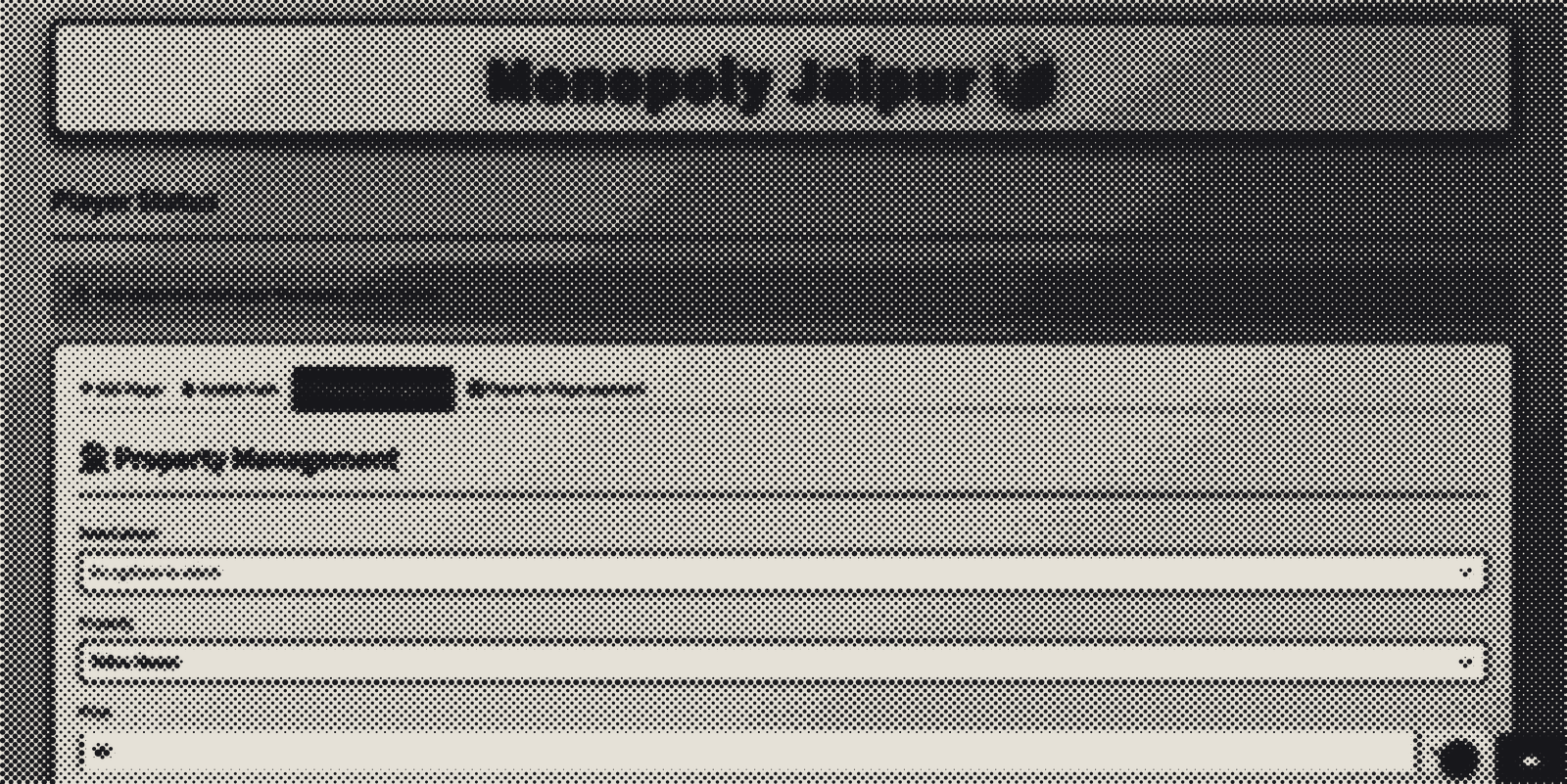
- Add Player
- Update Cash
- Property Management
- Player-to-Player Payments
Each tab only had one job.
The UI instantly became cleaner, and I no longer had buttons fighting for screen space like it was Black Friday.
The DataFrame That Lived One Click Behind
One bug had me questioning my understanding of reality.
I wanted the player table at the top of the page so everyone could always see balances.
Simple enough.
Except…
Whenever I updated a player’s cash, the table refused to update.
Well…
It updated.
Just one interaction later.
It was perpetually one step behind.
I clicked Add ₹200.
Nothing.
I clicked something else.
Now it updated.
It felt like the application had terrible internet latency despite running entirely on my own laptop.
The culprit turned out to be Streamlit’s rerun model.
The table was being rendered before the buttons modified the data.
The fix was surprisingly elegant: reserve a placeholder at the top using st.empty(), perform all the game logic, then redraw the table into that placeholder at the end of the script.
Problem solved.
Reality restored.
The Button That Forgot It Was Clicked
The next bug was even funnier.
Selling properties involved a two-step process.
Click Sell Property.
Then choose which property to sell and for how much.
Except…
The moment I selected a property…
The entire interface disappeared.
Turns out buttons in Streamlit only return True during the exact rerun in which they’re clicked.
One rerun later?
They’ve completely forgotten the interaction ever happened.
It wasn’t a bug.
It was me misunderstanding how Streamlit thinks.
The solution was another session state variable that basically acted like a tiny memory saying:
“Yes, we’re currently in selling mode.”
Tiny flag.
Huge difference.
The Jaipur Property List
One thing I wanted from the beginning was to avoid typing property prices manually every time.
So the application contains a predefined list of Jaipur Monopoly properties along with their purchase prices.
Select a property.
The purchase price fills itself in automatically.
Small quality-of-life improvement.
Huge reduction in “Wait… wasn’t MI Road ₹260?” moments.
CSV Persistence
The application also writes everything to a CSV file after every change.
Every player.
Every balance.
Every property.
If the application closes unexpectedly, nothing important disappears.
It’s hardly a database.
But for four people arguing over fake money on a dining table?
It’s more than enough.
The Finished Interface
The final application ended up being surprisingly polished.
At the top sits a live player status table showing everyone’s current cash and owned properties.
Below that, four tabs handle the different parts of the game.
Adding players takes seconds.
Cash adjustments are straightforward.
Buying and selling properties automatically updates balances.
Player-to-player transactions are handled without anyone touching physical Monopoly notes.
It’s a tiny application.
But it completely removes the slowest part of Monopoly.
Ironically, people now lose friendships much more efficiently.
Looking Back
This project wasn’t technically difficult.
There were no machine learning models.
No robotics.
No computer vision.
No fancy APIs.
Just Python.
Some dictionaries.
A CSV file.
And a framework I wanted to understand better.
But those projects are important too.
Sometimes the most enjoyable things to build are simply tools that solve a very ordinary problem.
I also walked away with a much better understanding of Streamlit’s execution model, session state, widget behaviour, and UI layout.
And perhaps most importantly…
Our next Monopoly game can finally focus on bankrupting each other instead of arguing over who forgot to collect rent.